
Task Runner
Defining tasks
Add tasks to a .sde/tasks.json file in your project root — an array of objects with a name, a command, and optionally a cwd (relative to the workspace folder) and a problemMatcher. Commit this file so the whole team gets the same tasks.
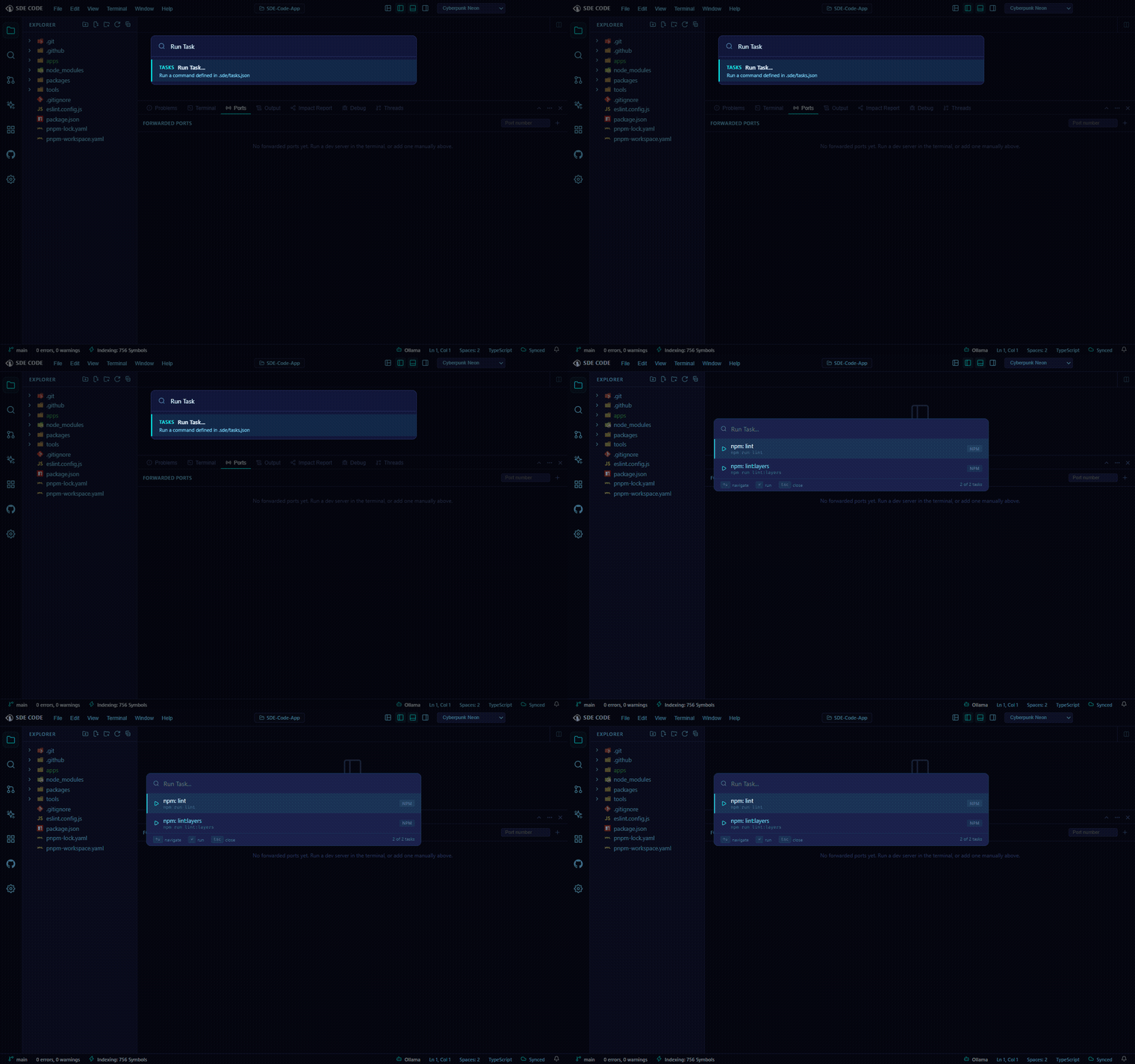
You don’t have to write it by hand for everything: SDE Code also auto-detects common tasks (for example, from package.json scripts) and adds them to the same list automatically, tagged with a source badge so you can tell a hand-authored task from a detected one at a glance.
Running a task
Open the Run Task picker (from the Command Palette or the Terminal panel) and fuzzy-search by name or command. Arrow keys move the selection, Enter runs it, Esc closes the picker. Running a task opens a new terminal and types the command into it — it’s a convenience layer over the terminal, not a separate execution engine.
Problem matchers
If a task has a problemMatcher, its terminal output is scanned live as it runs and any matched errors/warnings are pushed into the Problems panel — useful for build or lint tasks where you want failures surfaced without reading raw terminal output.
Task Runner is distinct from Agent Mode’s run_terminal_command tool (AI Assistant & Agent Mode) — tasks are commands you define and trigger, not something the AI reaches for on its own.