
Editing & IntelliSense
Language intelligence
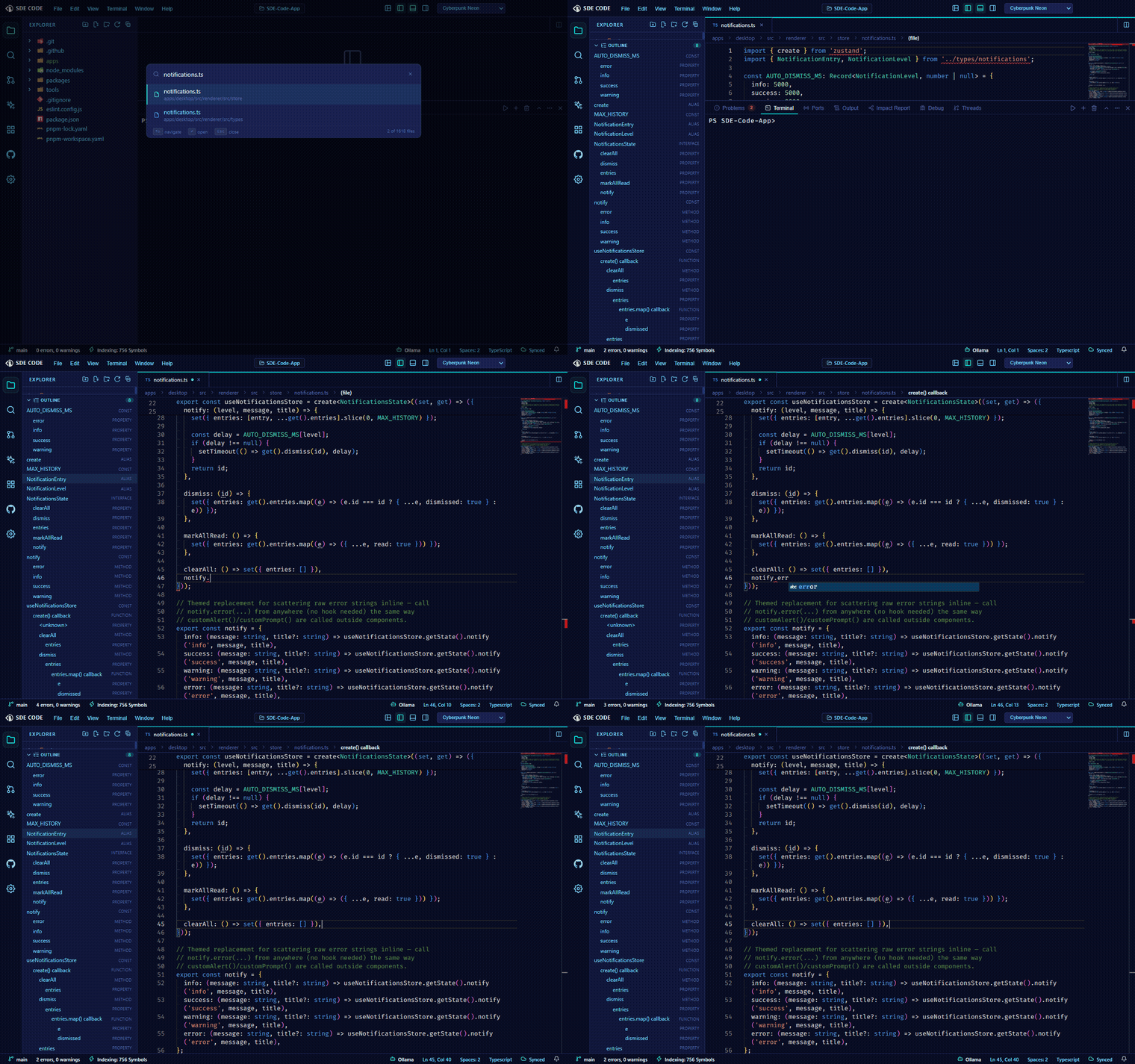
SDE Code speaks the real Language Server Protocol (LSP) — for Python, it spawns and talks to pyright. That gets you genuine completion, hover documentation, go-to-definition, live diagnostics, Find All References, and workspace-wide symbol search (# in Quick Open) — not a heuristic approximation. Extensions can contribute additional language servers via contributes.languageServers in their manifest.
Editor display settings
Three editor toggles worth knowing about, all in Settings → Text Editor: the minimap, the breadcrumbs bar showing your current symbol path above the editor, and inlay hints — inline parameter-name and inferred-type hints for TypeScript/JavaScript. See Settings for the rest of the editor/terminal knobs.
Emmet abbreviations
Type a CSS-style abbreviation (div.card>h2+p) in an HTML, CSS, SCSS, LESS, or JSX file and expand it into real markup — standard Emmet syntax, wired into the editor for any of those languages.
File previews
Image, audio, video, and Markdown files each get a dedicated preview panel instead of opening as raw text or a blank editor — Markdown renders live as you edit it.
Multibuffer editing
Open a synthetic, editable document assembled from excerpts of several real files at once — useful for reviewing or editing a scattered set of related changes without tab-switching. Edits write back to each source file individually when you save.
Vim mode
Enable Vim keybindings from Settings for modal editing throughout the main editor.
Inline Chat
Press Ctrl+I with a selection to open Inline Chat — describe an edit in place and apply it directly to the selected code without leaving the editor.
Snippets
Define your own code snippets per language from Settings → Text Editor → Snippets, or use ones contributed by extensions.
Search & bulk rename
Project-wide find/replace supports regex, whole-word, and case-sensitive matching, plus include/exclude glob filters that persist across searches. A Search Editor saves a search’s results as a re-runnable, editable document. Cross-file symbol renames get a full preview across every affected file before anything is written.
Local History
Every save is snapshotted per file, browsable from the Timeline view in the Explorer — restore an earlier version without needing git.