
Notebook Cells
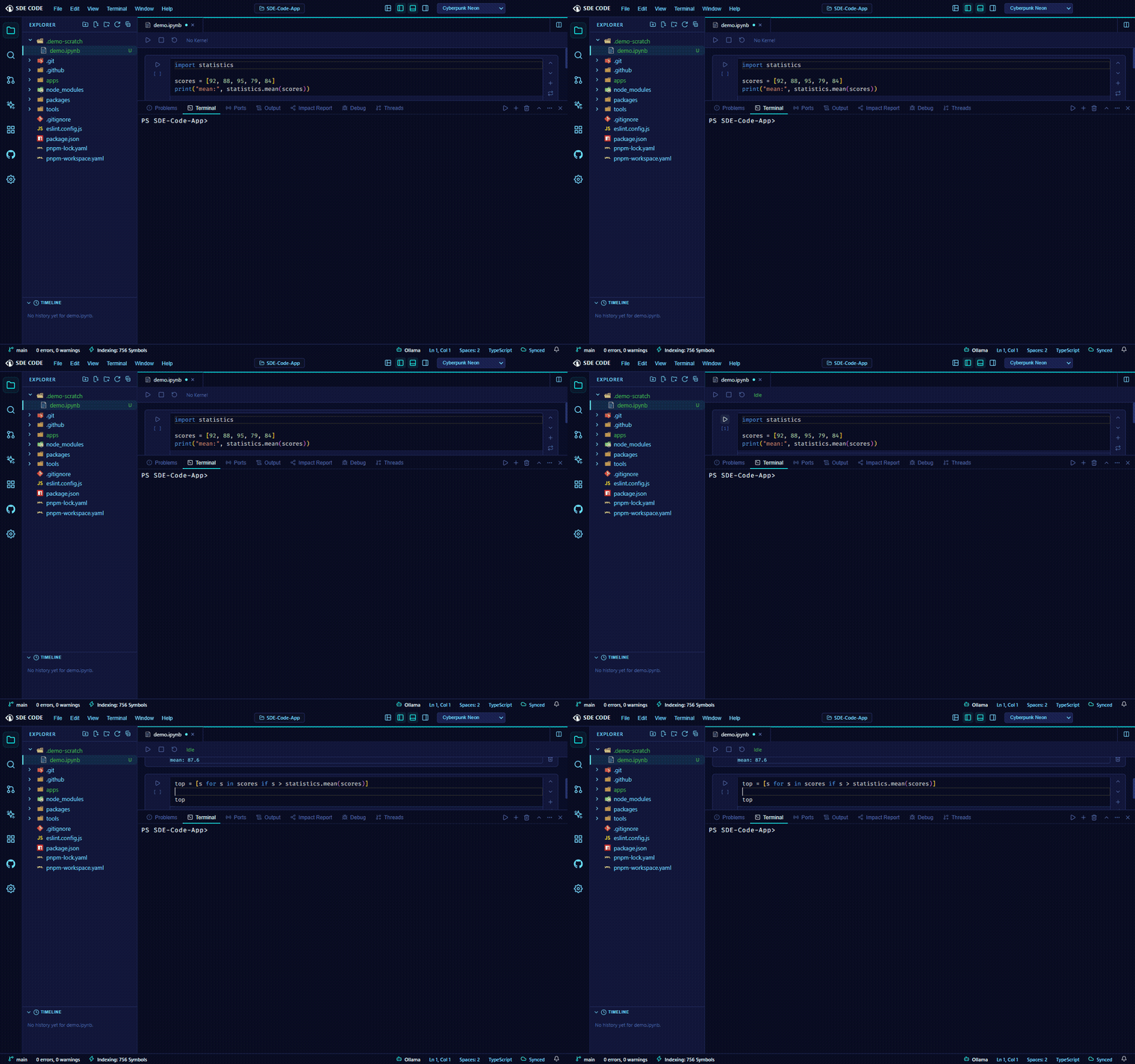
Real cross-cell state
Open a .ipynb file and SDE Code starts a persistent Python interpreter process for that notebook — a lightweight kernel of its own design, not a full Jupyter kernel-protocol client. Running one cell, then another, shares the same live variable namespace, exactly like a real notebook: define something in cell one, use it in cell three.
Running cells
Each code cell has its own Run button and shows its execution count ([1], [2], …). Output — stdout, stderr, and any error traceback — streams in live as the cell runs, not all at once at the end.
Markdown cells
Mix in markdown cells for notes and explanation; double-click a rendered markdown cell to edit its source.
Kernel controls
The notebook toolbar shows live kernel status (Idle / Busy / Starting / Kernel Died) alongside:
- Run All — runs every code cell in order
- Interrupt — best-effort; reliable on macOS/Linux, behaves like a restart on Windows (a Node.js/Windows limitation, not a notebook one)
- Restart Kernel — kills and respawns the interpreter, discarding all cell-to-cell state for a clean namespace
File format
Notebooks save as standard nbformat 4.5 .ipynb files and round-trip cleanly with Jupyter and other notebook tools — cell source, outputs, and execution counts are all preserved on save.
Scope
This is deliberately not a full Jupyter kernel-protocol implementation — no rich outputs like inline images or interactive widgets, and Python is currently the only supported kernel language. What you get in exchange: no ZeroMQ, no kernel connection files, and a much smaller moving-parts surface for the core notebook experience that actually matters — persistent state, live output, and restart/interrupt.