
Search & Navigation
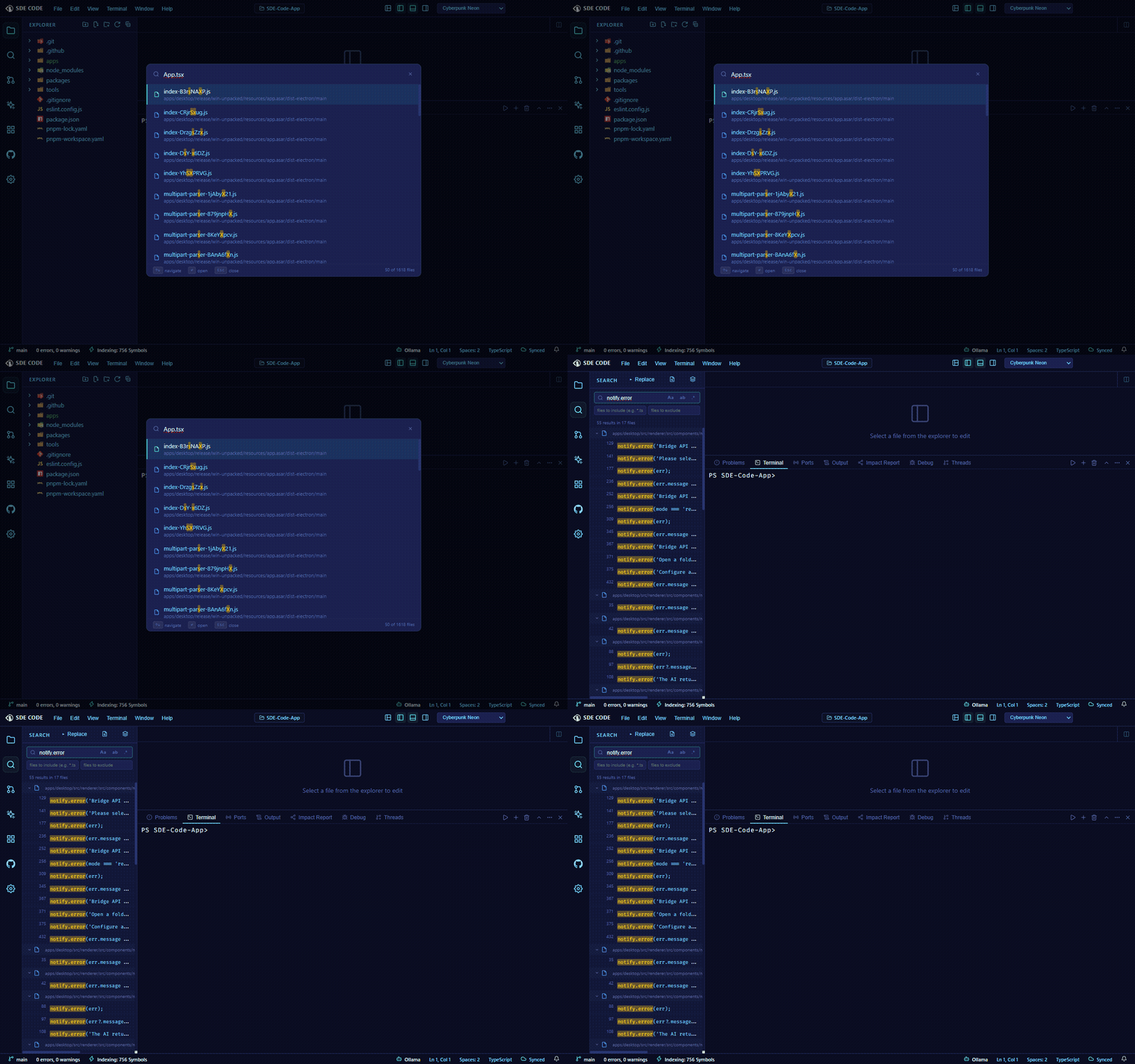
Command Palette
Ctrl+Shift+P / Cmd+Shift+P opens a fuzzy-searchable list of every command in the app, with your most recently used commands surfaced first.
Quick Open
Ctrl+P / Cmd+P opens fuzzy file search, and doubles as a go-to-anywhere box via a few prefixes:
- Type
:lineor:line:columnto jump straight to a location (Ctrl+Gopens directly in this mode) - Prefix with
@to search symbols in the current file - Prefix with
#to search symbols across the whole workspace
Tab Switcher
Hold Ctrl and press Tab (Ctrl+Shift+Tab to reverse) to cycle open tabs in most-recently-used order — release Ctrl to jump to the highlighted tab. It’s a lighter, faster cousin of Quick Open for switching between tabs you already have open.
Problems panel
Aggregates every diagnostic — errors, warnings, and hints — from every active language server, grouped by file and auto-expanded the first time a file shows up with a problem. Toggle error/warning visibility independently, and click any entry to jump straight to that line.
Output panel
A multi-channel log viewer with a channel dropdown and a Clear button. Language servers, extensions, and other background processes each get their own channel — including a built-in Main Process channel that streams the Electron main process’s own log lines live, useful when something’s wrong below the UI layer.