
Git & GitHub
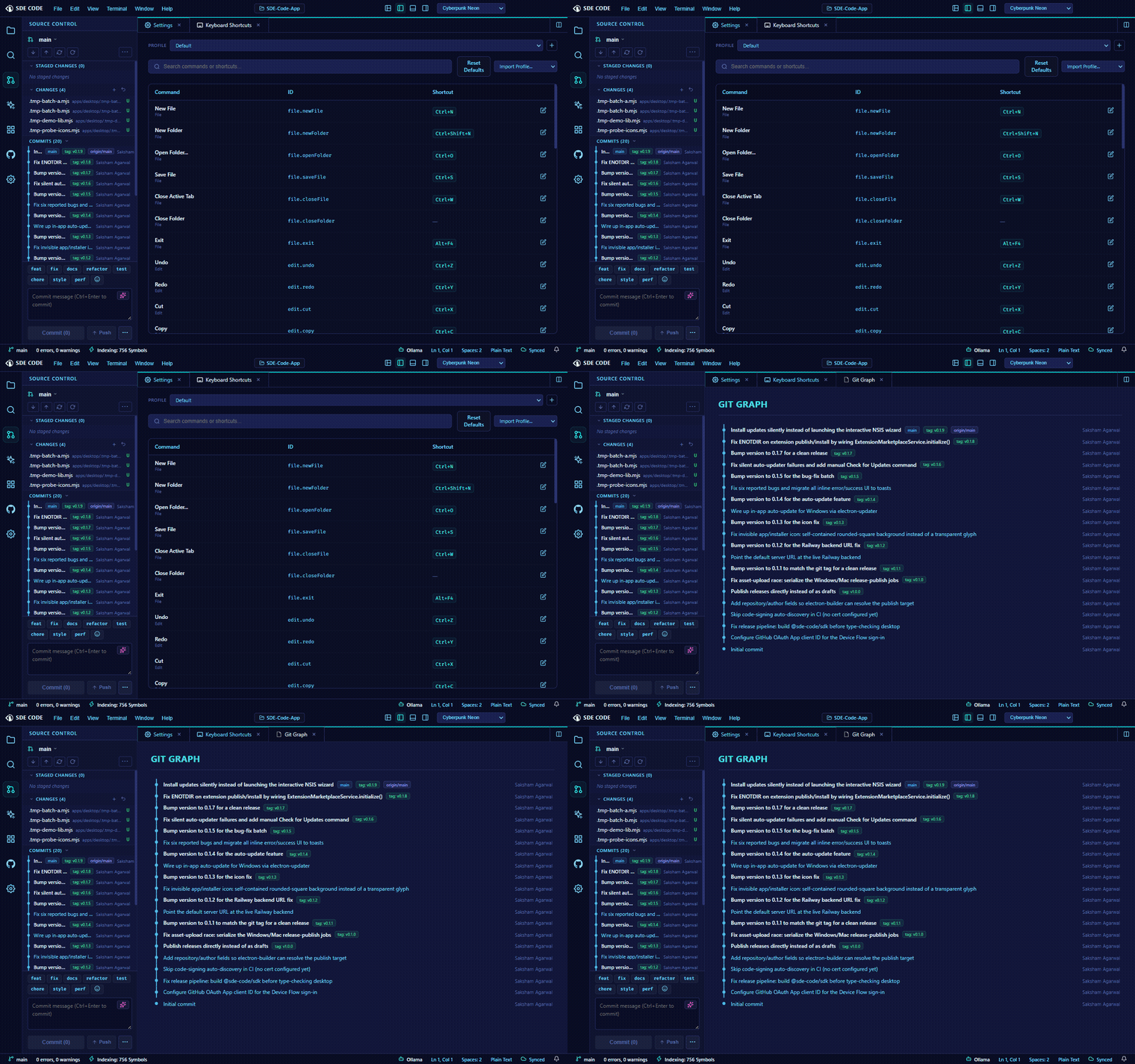
Source Control panel
Stage, unstage, and discard changes per file or all at once; write commit messages with gitmoji shortcuts; push, pull, and fetch — all without leaving the editor. A collapsible Stashes section lists every stash with its count, and lets you push (with an optional message), pop, or drop a stash directly, without touching the terminal.
Merge conflicts get a dedicated three-pane Merge Editor — accept “ours,” “theirs,” or both, per conflict hunk, then save to resolve.
Embedded Git Graph
The sidebar shows a compact, lane-based commit graph per repository (multi-root workspaces get one section per nested repo, auto-discovered). Click a commit to expand its changed-file list inline; click a file to view its diff.
Repository Overview
A dedicated full panel tab (distinct from the sidebar graph) showing stat tiles — commit, branch, contributor, and tag counts — a latest-commit card, and the same activity heatmap described below, all in one place.
Branch Comparison
Pick any two local branches and see the full list of files that differ between them, with insertion/deletion counts per file — open any file’s diff directly from the comparison. Distinct from the commit graph, which is about history rather than a point-in-time diff between two branches.
Commit heatmap & code hotspots
A GitHub-style activity heatmap visualizes commit frequency over time. Code Hotspots surfaces the files that change most often — a useful signal for where technical debt or complexity tends to accumulate.
GitHub integration
Sign in via GitHub’s Device Flow (Settings → sign in) to review pull requests and issues without leaving SDE Code — browse PR file diffs, read and post comments, and submit full reviews (approve, request changes, or comment) with inline comments attached to specific lines.
Worktrees
Create an isolated git worktree on a new branch directly from SDE Code — the mechanism Parallel Agent Threads uses under the hood to keep concurrent AI-driven work from colliding with your main working tree.
Local History as a safety net
Every file save is snapshotted independently of git, browsable from the Explorer’s Timeline view — a second safety net for changes you haven’t committed yet.