
The AI-first IDE.
A desktop IDE with AI woven into editing, debugging, and git — its own architecture from the ground up.
AI Assistant & Agent Mode
Chat with AI grounded in your codebase, or hand off a task to Agent Mode — it reads files, proposes edits for your review, and runs terminal commands with an approval gate at every step.
Read the docs →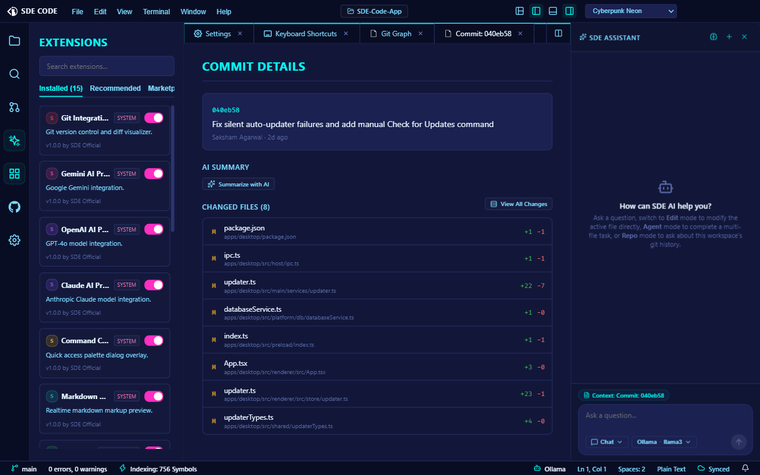
Real Language Intelligence
A genuine language server (not a heuristic) powers completion, hover docs, go-to-definition, and live diagnostics — the same experience you get in any LSP-backed editor.
Read the docs →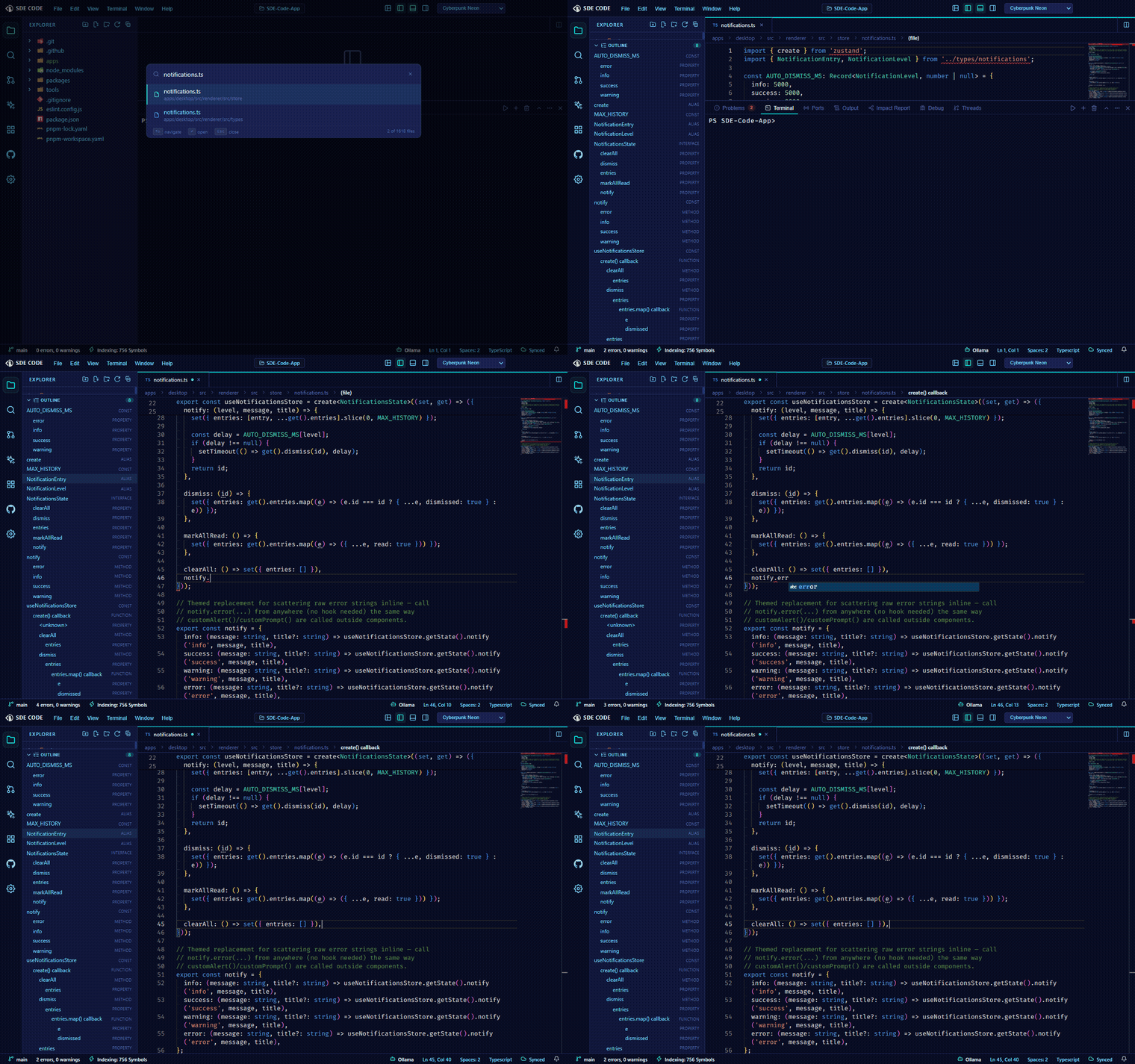
Integrated Debugger
Set breakpoints, step through code, and inspect the call stack and variables — a real Debug Adapter Protocol client, not a bolted-on console.log.
Read the docs →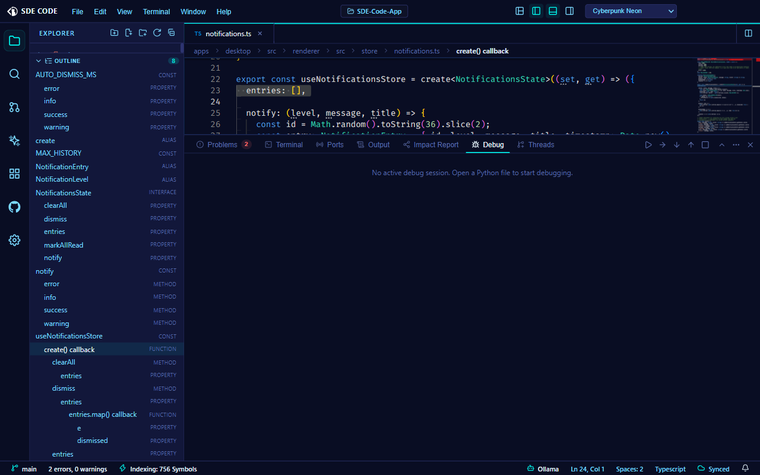
Git, Built In
A full source control panel, an embedded interactive commit graph, and GitHub pull request / issue review — without leaving the editor.
Read the docs →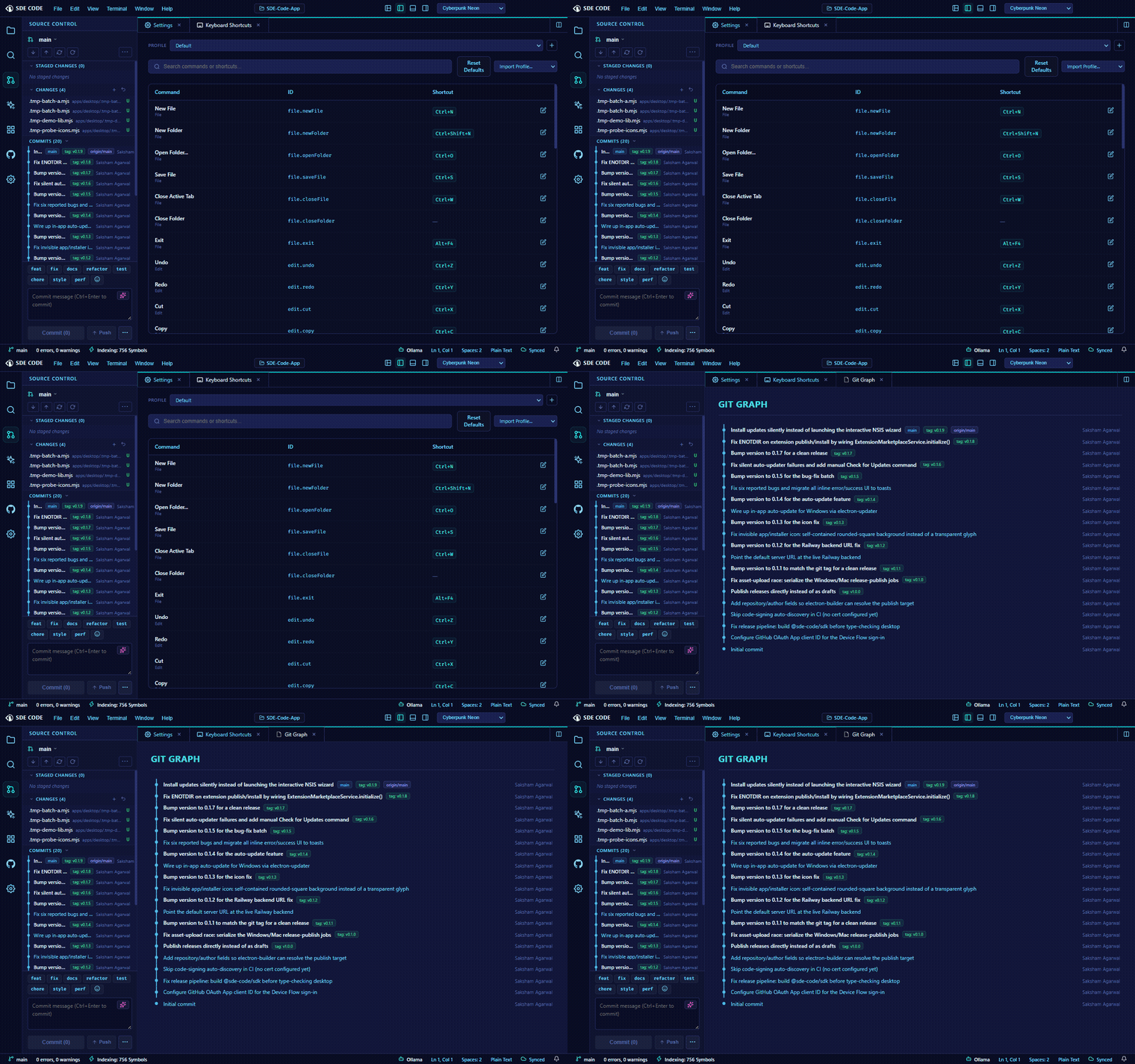
Code Map & Impact Analysis
A visual dependency graph of your workspace, plus AI-assisted "Analyze Impact" — see what a change could break, and which tests to run, before you touch anything.
Read the docs →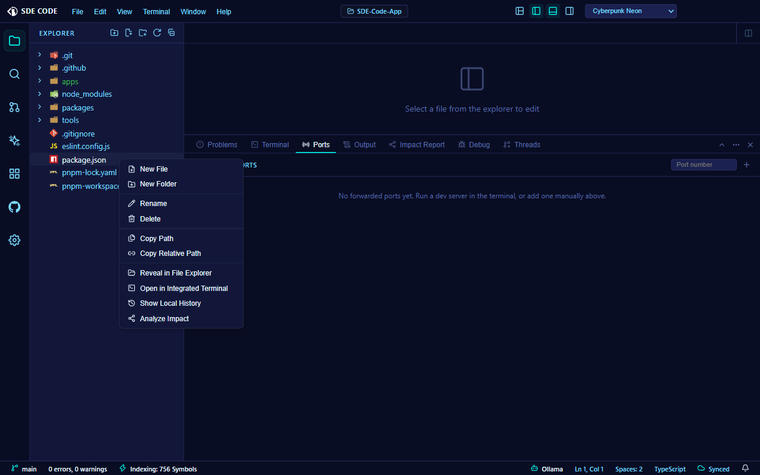
Notebook Cells
Run Python cells against a persistent kernel with real cross-cell state, live streaming output, and .ipynb files that round-trip cleanly with Jupyter.
Read the docs →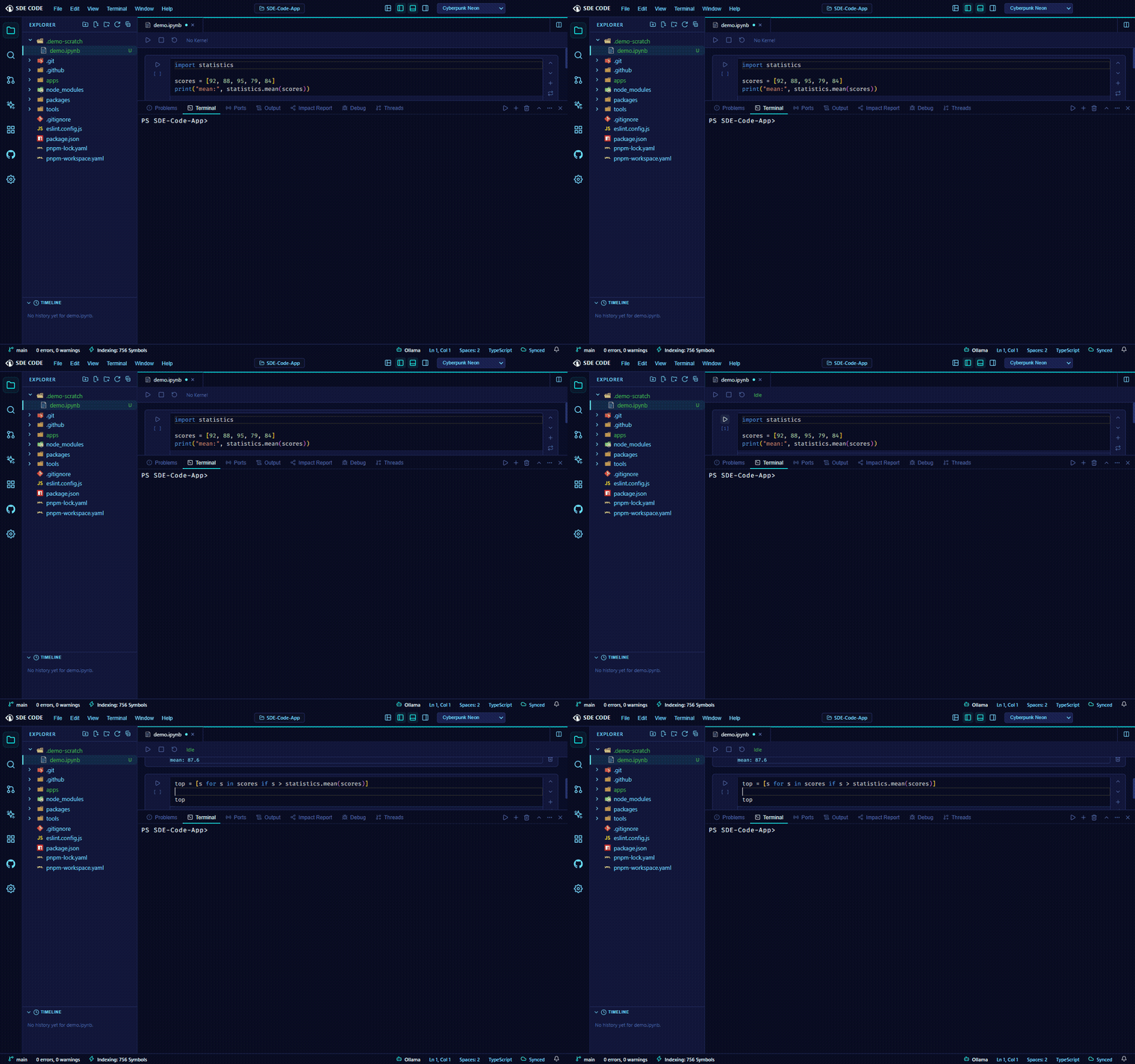
Extensions
A marketplace for installing extensions, and the tooling to build and publish your own — themes, language servers, debug adapters, and AI tools.
Read the docs →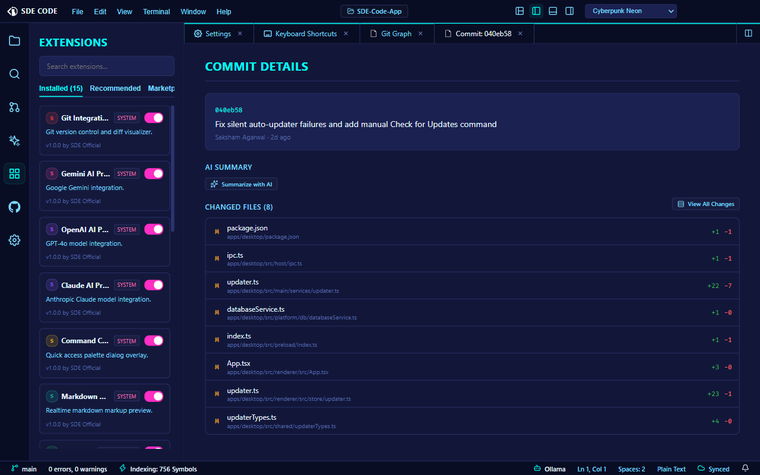
Its own architecture
Built from scratch — not a fork of VS Code or any other editor. An independent codebase, top to bottom.
Real language intelligence
A genuine Language Server Protocol client powers completion and diagnostics — not a heuristic bolted on top.
Approval gates, not autopilot
Agent Mode proposes every file edit and terminal command for your review — configurable per tool in Agent Profiles, from read-only to full autonomy.
Bring your own model
Anthropic Claude, OpenAI GPT-4o, Google Gemini, or a fully local model via Ollama — your choice, set in Settings.
Is SDE Code free?
Yes — free to download and use.
Is it built on VS Code?
No. It's an original editor core and architecture, built from scratch.
What platforms are supported?
Windows and macOS today.
Which AI providers can I use?
Claude, GPT-4o, Gemini, or a local model via Ollama — configured in Settings → AI Provider Credentials.
Can I build my own extensions?
Yes — themes, snippets, language servers, and more, published to the built-in marketplace.